Réveil avec haut-parleur Bluetooth, double alarme, affichage LED numérique, réveil de voyage avec port de chargement USB (blanc)
Vous achetez pour votre entreprise ?
Tarifs négociés HT jusqu'à -20%
'/%3E%3C/svg%3E)
Ces articles peuvent vous intéresser !
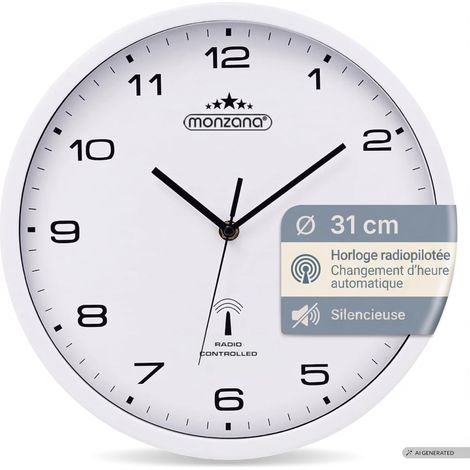

MONZANA® Horloge murale radio pilotée à quartz silencieuse blanche Ø 31cm avec trotteuse Changement d'heure automatique
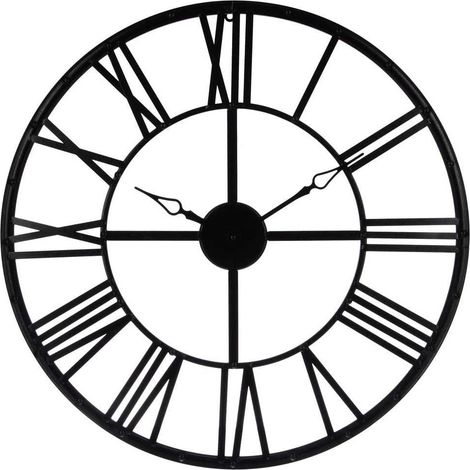
Atmosphera – Horloge murale vintage 70 cm noir en métal – Chiffres romains – Élégante pour salon, cuisine ou bureau – Installation murale facile
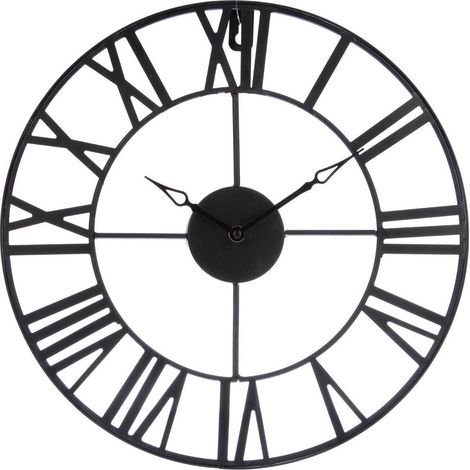
Atmosphera – Pendule murale en métal noir Ø 36,5 cm – Style industriel vintage – Épaisseur 3,5 cm – Compatible avec pile AA
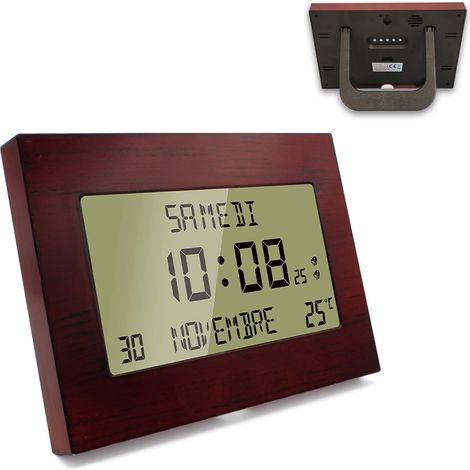

Horloge réveil murale radiopilotée – Grand écran LCD 17,2 x 9,5 cm – Double alarme programmable – Synchronisation automatique – Soldela
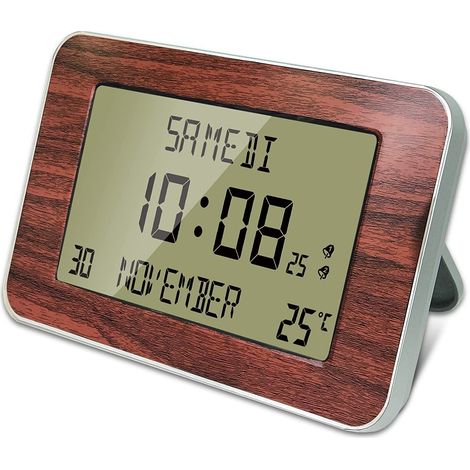

Fishtec – Horloge réveil radiopilotée – Grand écran LCD 17,1 x 9,4 cm – Affichage heure, date, température – Programmable en 6 langues
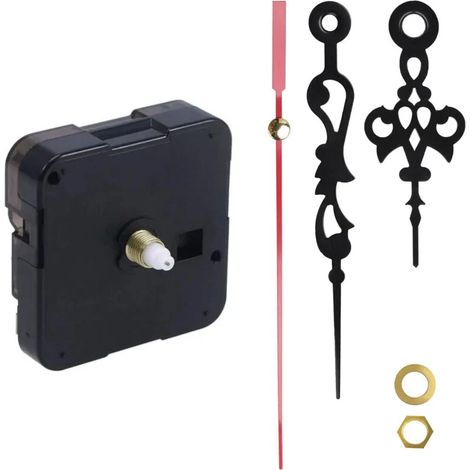

Readcly – Mécanisme d'horloge murale à quartz – ABS durable – 5,5 x 5,5 x 1,6 cm – Précision de mouvement pour réparations personnalisées
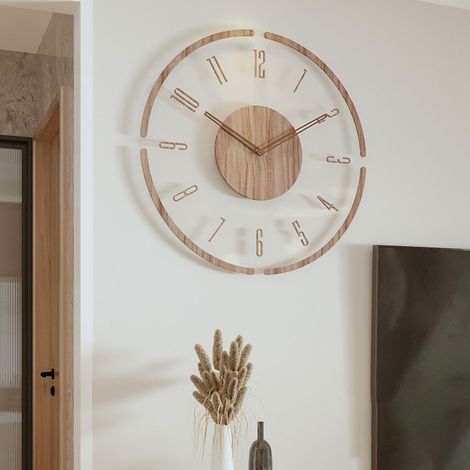

Jusch – Horloge murale ronde en bois robuste – Design ajouré vintage – Mécanisme silencieux – Installation facile avec crochet
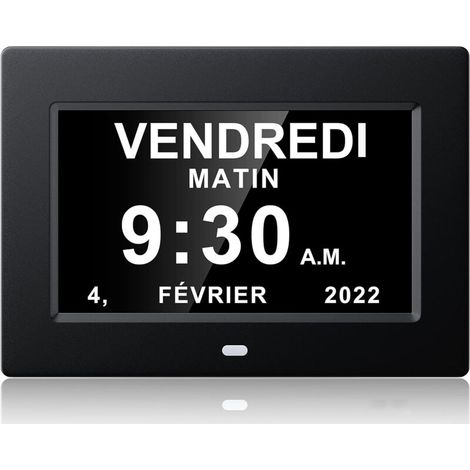

Treetalk – Horloge numérique 7 pouces – Affichage clair date et heure – Conçue pour Alzheimer – Plastique noir – Installation facile - dicaments-noir-20414324mm
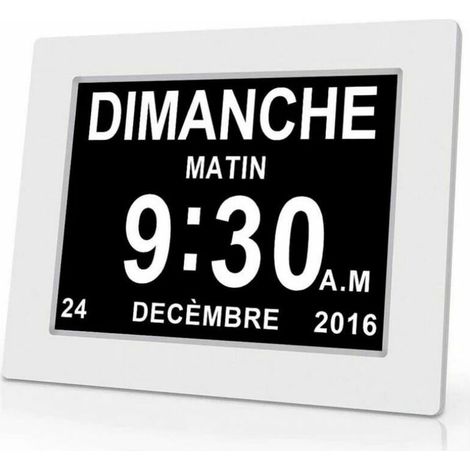

Ulisem – Horloge numérique 7 pouces avec date et heure – Affichage clair pour Alzheimer – Plastique blanc – 204 x 143 x 24 mm – Rappel de médicaments
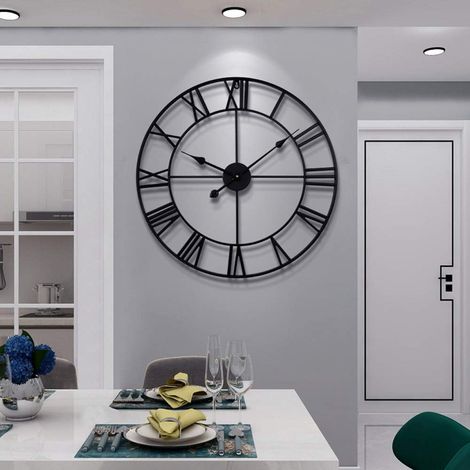

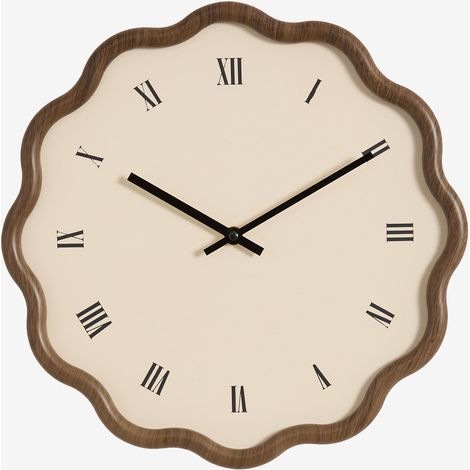

Sklum – Horloge murale Ø35 cm MDF brun caramel – Finition mate – Aiguilles en aluminium – Silhouette organique et courbes sinueuses
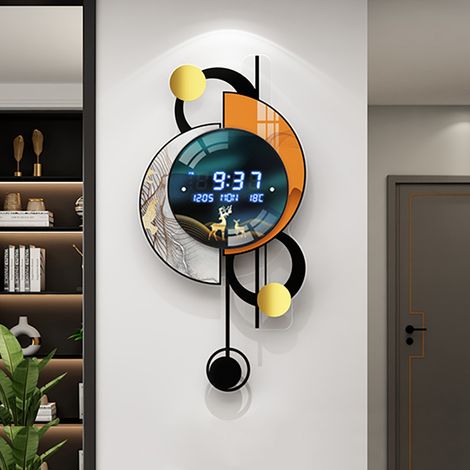

Horloge murale silencieuse LED 670 mm, affichage multifonction, activation vocale, double alimentation
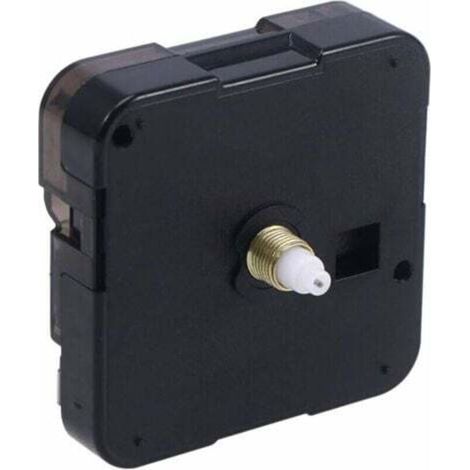
Quartz Horloge Murale mécanisme de Mouvement à Piles Accessoire d'horloge pour Bricolage Horloge réparation pièce Remplacement
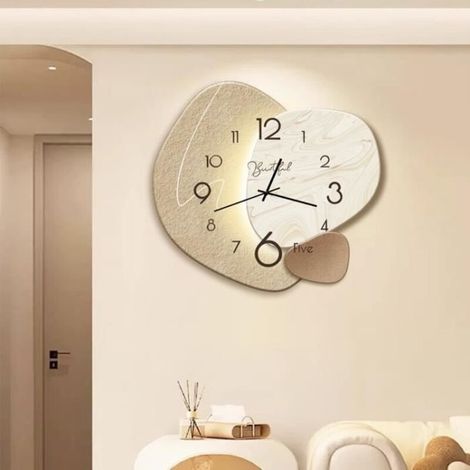

Cellfast – Horloge murale silencieuse 38cm en bois massif – Style nordique créatif – Décoration pour bureau et salle de classe – Durable et esthétique
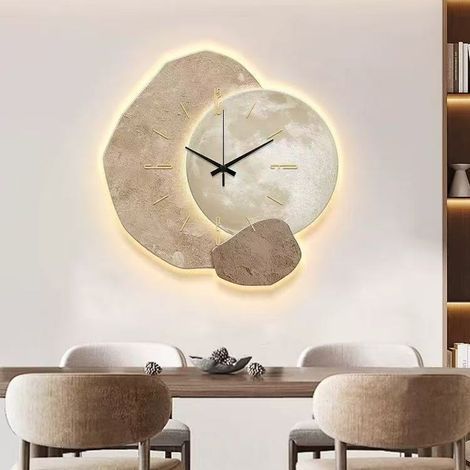
Horloge murale LED 3D – Éclairage LED écoénergétique – Décoration murale créative – Effet visuel 3D – 30 × 30 cm – Tapworks
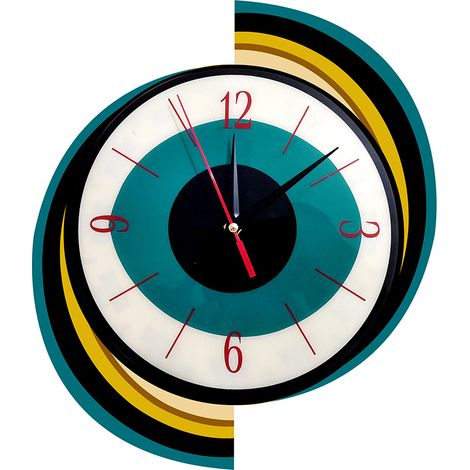
Horloge murale design D, style rétro moderne, décorative pour salon, chambre et bureau
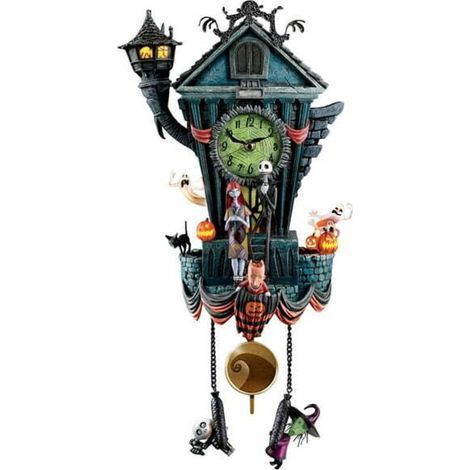

Comparer à des articles similaires
Informations produit
Description
Caractéristiques
- MarqueNO BRAND
- CouleurBlanc
- MatièresPlastique
- Alimentation électriqueFilaire
- Mode d'affichageNumérique
- Réf. ManoManoME242151021
- MMID472036582414
- Réf. fabricantK0524-0826-CJ22420
- EAN6260441275809
'/%3E%3C/svg%3E)
Décoration industrielle : nos conseils et astuces
Les conseils de nos experts
'/%3E%3C/svg%3E)