Lot de 5 H801 RGBW LED contrôleur wifi LED RGB contrôleur DC5 24V Input pour 5050 2835 3528 SMD LED ruban lumineux
Vous achetez pour votre entreprise ?
+10% offert sur votre 1ère commande
Tarifs négociés HT jusqu'à -20%
'/%3E%3C/svg%3E)
Ces articles peuvent vous intéresser !
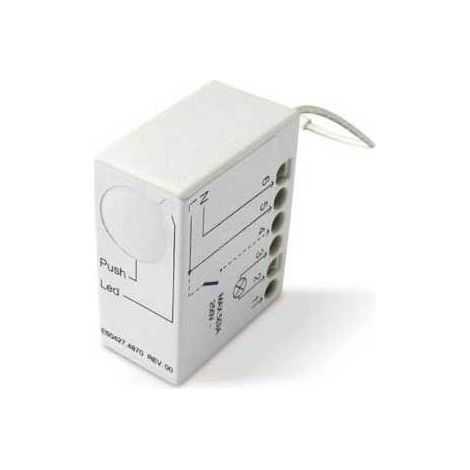


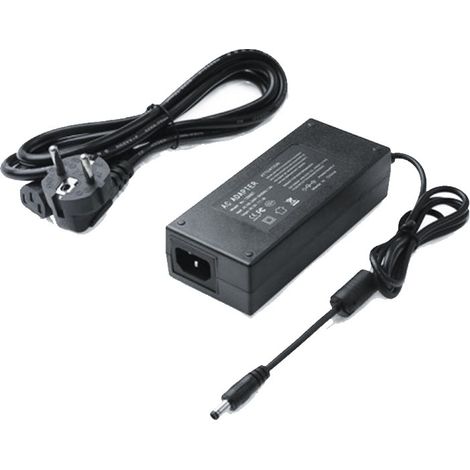

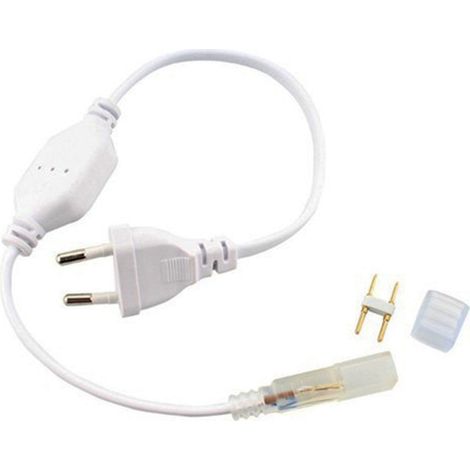
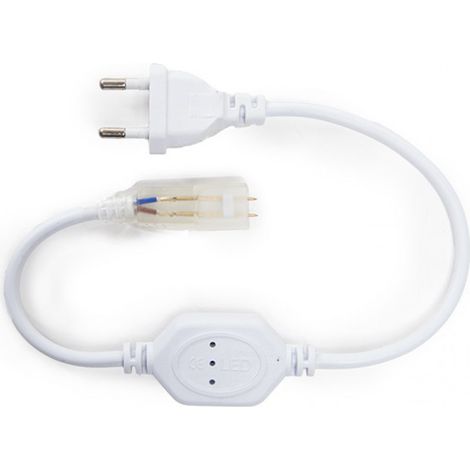

Greenice – Connecteur bande de LED SMD5050 220VAC IP65 – Étanche IP65 – Pour installations extérieures – Compatible avec rubans LED 5050
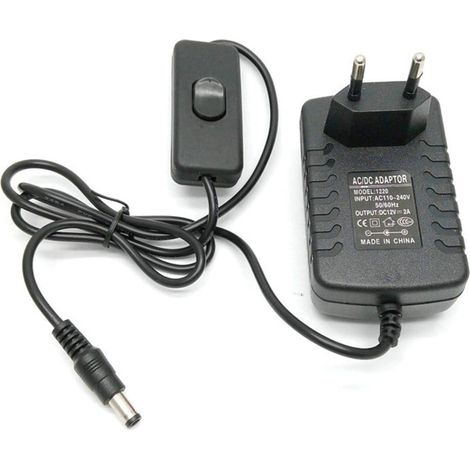
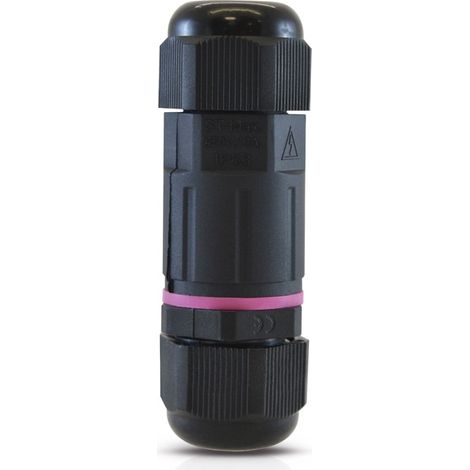

Connecteur étanche 2 entrées 3 fils IP68 – Pour câbles de 0,50mm² à 4,50mm² – Certifié CE – Usage en milieu humide – Miidex Lighting
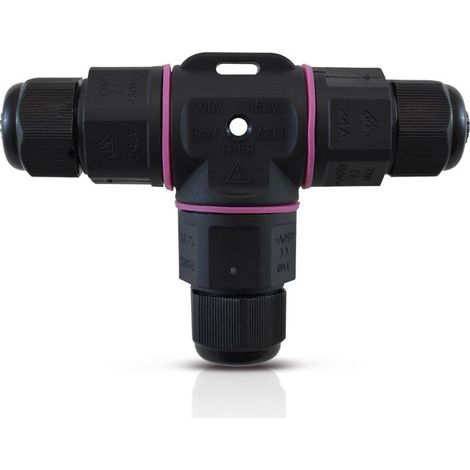
Connecteur étanche forme T IP68 250V 16A – Section 3G 1,5mm² – Ø20mm – Dimensions 98x64,5mm – Finition noire – Miidex Lighting

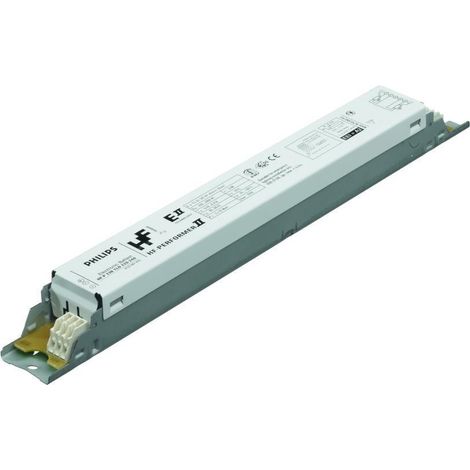

Philips – Ballast HF-P 218/236 TL-D III – Type de lampe TL-D – Nombre de lampes 2 – Pour installation en intérieur
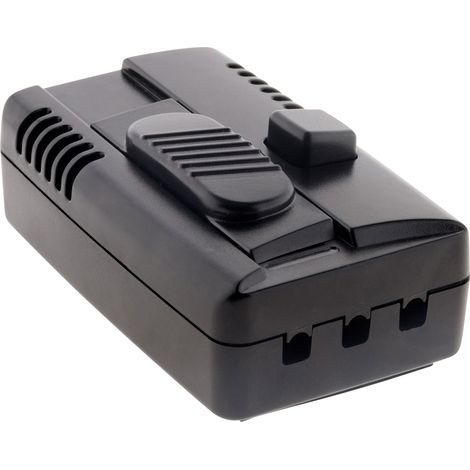
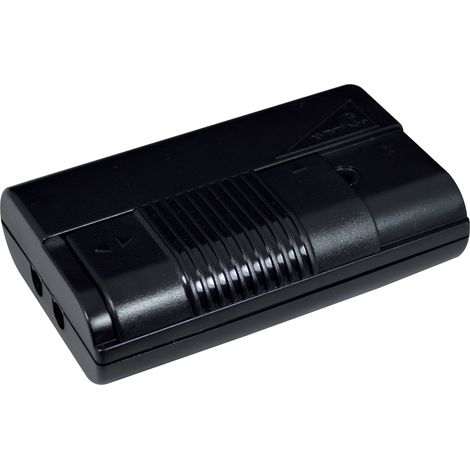
Variateur à glissière pied nu – Compatible avec domotique – Pour éclairage LED – Installation facile et rapide – Elexity
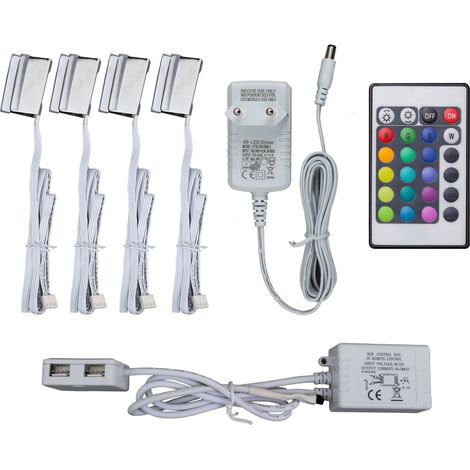


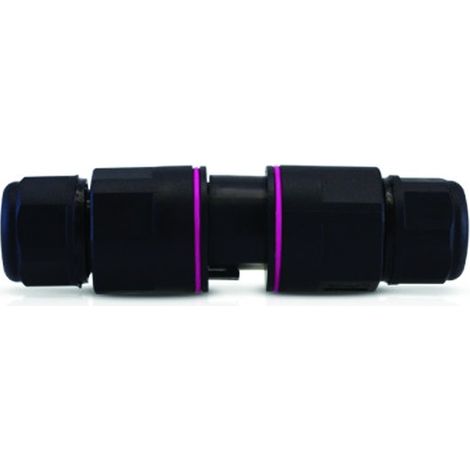
Connecteur étanche automatique IP68 250V 16A Noir 3 Fils ENFICHABLE M/F Miidex Lighting®
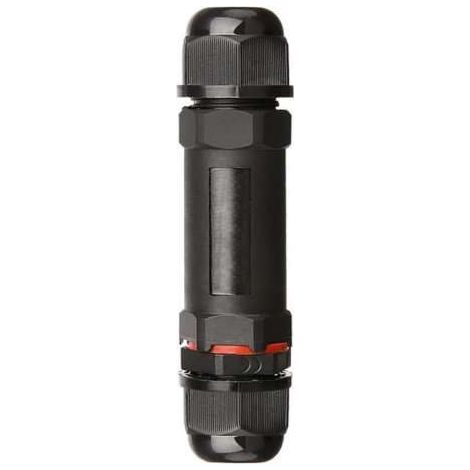

Optonica – Connecteur de câble extérieur IP68 – Section 0,5 à 1,5mm² – 250V/16A – 3 pôles – Plastique ignifugé pour environnements humides
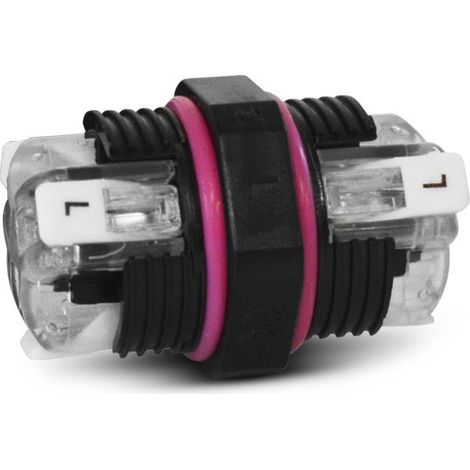
Miidex - Connecteur u00c9tanche automatique - 3 fils - Monobloc - IP68 - 250V - 16A - Noir - Ru00e9f : 72130
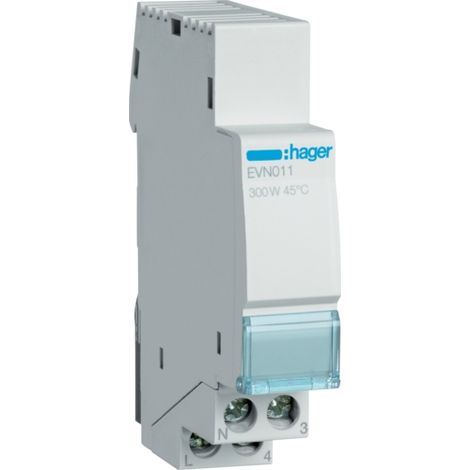

Hager – Télévariateur universel 300W – Compatible CFL et LED 60W – Commande par bouton-poussoir – Installation sur rail DIN – Économie d'énergie jusqu'à 10%


Comparer à des articles similaires
Informations produit
Description
Fast mission, response sensitive.H801WiFi can be controlled separately.Multiple phones can control H801WiFi simultaneously.Built-in dozens of effects.Automatic connection function.
In addition to driving RGB lamps, you can also control the following LED Driver IC : LPD6803, LPD1882, LPD1889, DMX512, APA102, UCS6909, UCS6912, UCS1903, UCS1909, UCS1912, WS2811, INK1003, TM1812, TM1809,TM1804
Usage( Connect phone to H801WiFi) : Step 1: Power on H801WiFi, install "LED Dimmer" et create shortcut. Duplicate LEDDimmer.apk to phone et click to install, long the et drag it to maison screen.: Turn on WiFi;Power on H801WiFi, click phone pull-down menu, click settings, turn on WLAN, then choose et click "HCX_ ", password is "88888888", enter password et click connect. The-up indicates WiFi is connected.
Step 3 : Run LED Dimmer: Click LED Dimmer, pops up the following operation interface, slide on color wheel, the light change with the color accordingly. Click the button in the middle, the lights be off. Click the effect selection dialog, there are many effects to choose. Click menu - Color Rod to ensemble the brightness of each color et playing speed. Step 4: Connect to router
If you want your phone can both surf the internet et control lights, you must connect H801WIFI to router, the following is the procedure.
(1) Install LEDDimmer.apk, et turn on WIFI.
(2) Click menu - "Router", click "WLAN AP", choose the right router, et enter password, then click "link". All H801WIWI that can communicate with phone has been connected to router. Connect your phone to router too, after connected, your phone can both surf the internet et control H801WIFI.
Power Supply : DC
Connecting Model : WLAN
Oscillation Frequ
Caractéristiques
- MarqueSLOWMOOSE
- Contrôle via application mobileOui
- MatièresPlastique
- Type de contrôleWifi
- Réf. ManoManoME244566391
- MMID961262762546
- Réf. fabricant136020378444
- EAN136020378444
'/%3E%3C/svg%3E)
Accessoires pour ruban LED : comment ça marche
Les conseils de nos experts
'/%3E%3C/svg%3E)