Incubateur à œufs thermostat automatique intelligent avec témoin lumineux
Vous achetez pour votre entreprise ?
Tarifs négociés HT jusqu'à -20%
Ces articles peuvent vous intéresser !
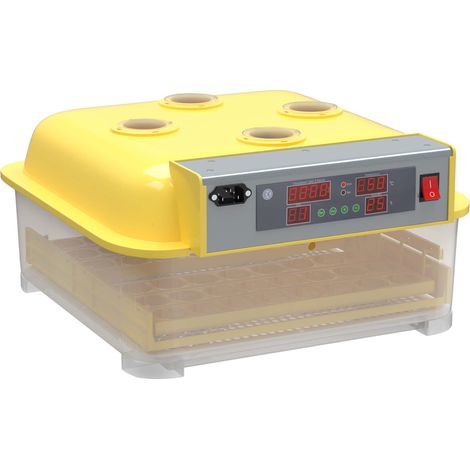

Wiltec Couveuse automatique – 160 W – pour 48 oeufs – avec 4 Fenêtres de surveillance, Mire-œuf et à Retournement automatique – Appareil à couver Incubateur Couvoir Éclosoir Éleveuse oisillons
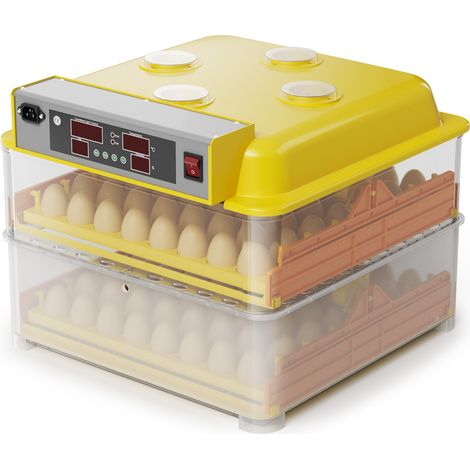
Wiltec Couveuse automatique – 160 W – pour 112 oeufs – avec 4 Fenêtres de surveillance, Mire-œuf et à Retournement automatique – Appareil à couver Incubateur Couvoir Éclosoir Éleveuse oisillons
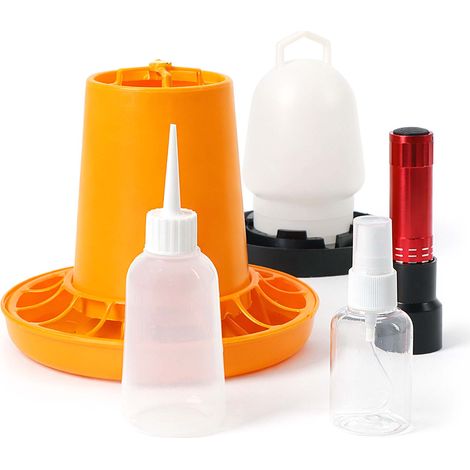
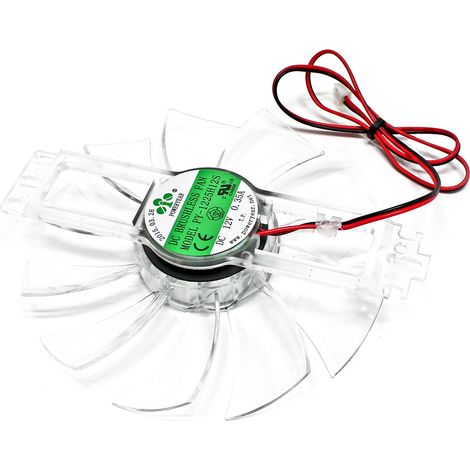
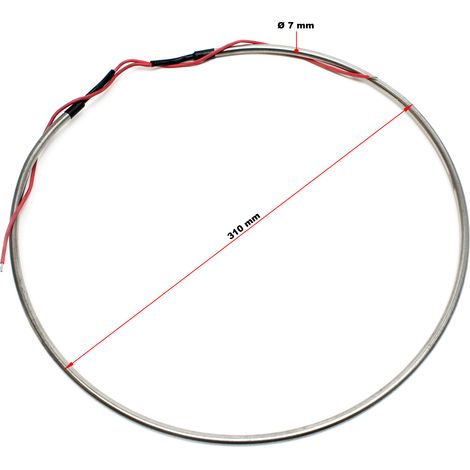
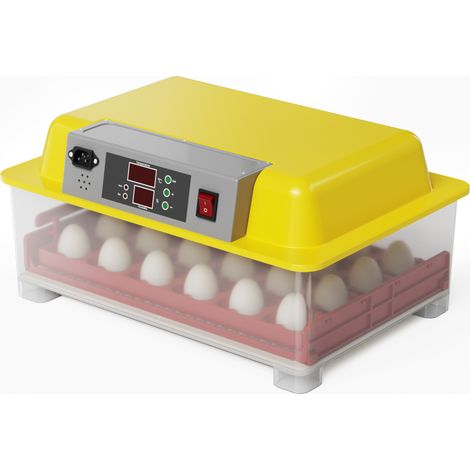
Wiltec Couveuse automatique – 100 W – pour 24 oeufs – à Retournement automatique – Appareil à couver Incubateur Couvoir Éclosoir Éleveuse oisillons
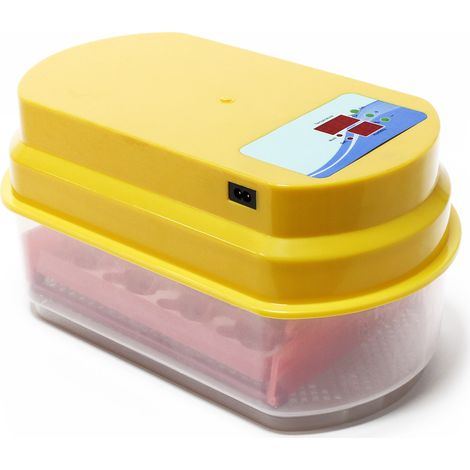
Wiltec Couveuse automatique – 80 W – pour 12 oeufs – à Retournement automatique – Appareil à couver Incubateur Couvoir Éclosoir Éleveuse oisillons
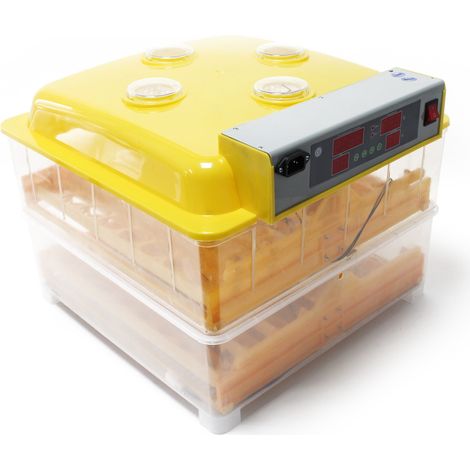
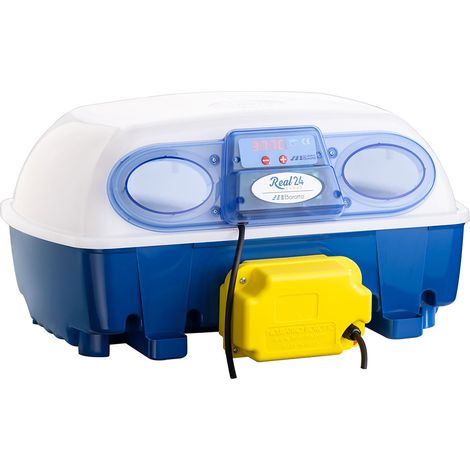

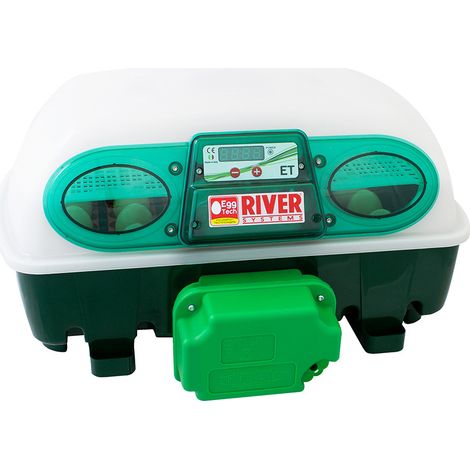
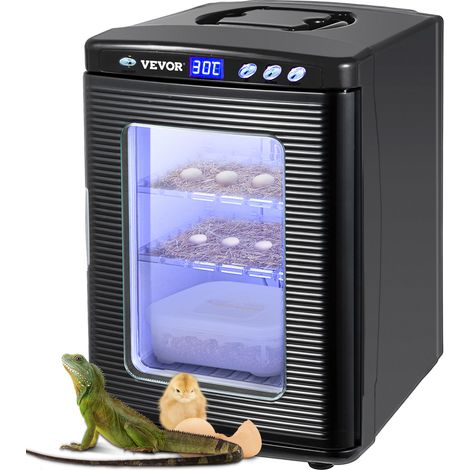

VEVOR Incubateur Automatique Appareil a Couver Couveuse avec Temperature Constante Meilleur pour Reptiles, Amphibiens
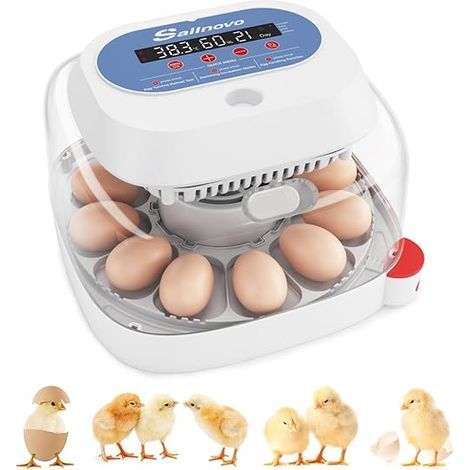
Couveuse automatique 12 œufs – Incubateur avec contrôle de température et humidité – Retournement automatique toutes les 2h – 4 modes d'éclosion
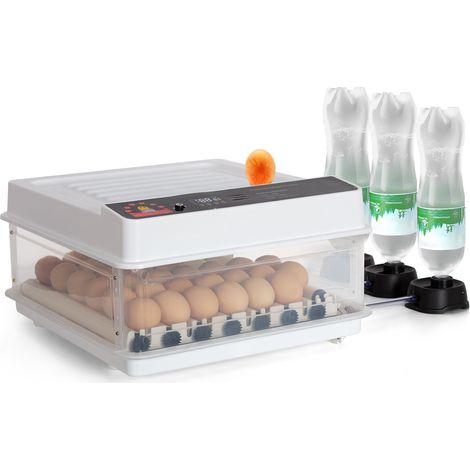

Todeco – Couveuse automatique 48 œufs – Retournement automatique – Contrôle de température – Humidification automatique – Double alimentation
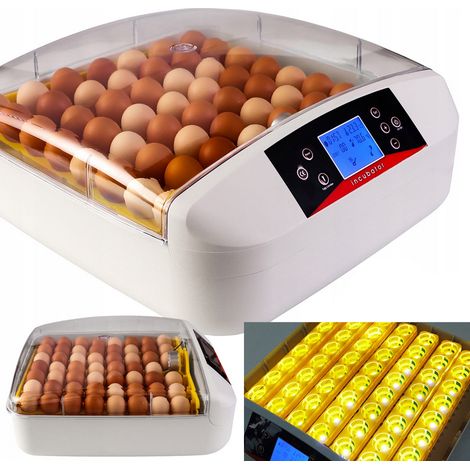
Couveuse pour 56 œufs – Thermostat LED – Retournement automatique – Contrôle de l'humidité et de la température
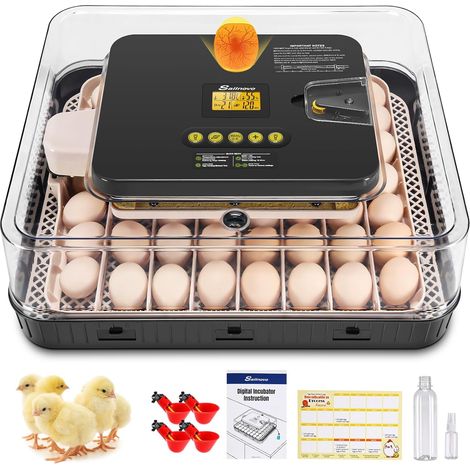

Couveuse Oeuf Automatique 56 Oeufs, Couveuses Oeuf Pour ufs de Volailles avec 4 Modes vue à 360°, Incubateur Oeuf Retournement Automatique des Oeufs et Contrôle de la Température, Gris
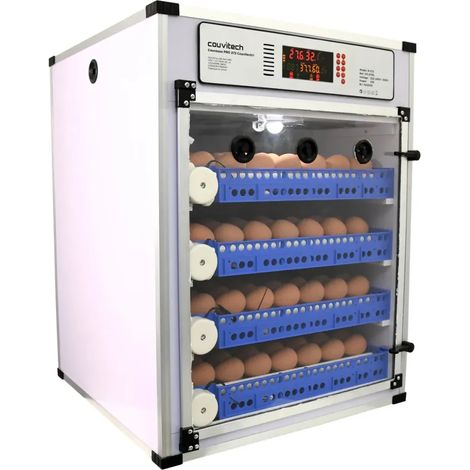
Comparer à des articles similaires
Informations produit
Description
1. [High Precise Sensor] This incubator thermostat utilizes imported ultra high precise sensor, ensuring accurate temperature measurement with a wide temperature range.
2. [Strong Anti Interference] With strong anti interference and high stability, this thermostat provides reliable temperature control for egg incubation.
3. [Egg Lamp Design] This thermostat features one way heating and one way egg lighting functions, allowing for easy inspection of eggs before hatching.
4. [User Friendly Operation] With simple button operation, this intelligent incubator thermostat is easy to use, providing a hassle free experience for users.
5. [Error Indication] In case of temperature sensor failure or disconnection, the temperature display window shows EE and the heating function automatically stops working, ensuring safety and efficient performance.
Specification:
Item Type: Egg Incubator Thermostat
Material: ABS
Application: Incubation
Size: Approx. 12.2 x 6.5cm / 4.8 x 2.56in
Temperature Display Range: 0-99℃
Temperature Resolution: 0.1℃
Output Channels: 1 heating, 1 egg lighting
Relative Humidity: Less than 85%
Operating Temperature: -20℃ to 70℃
Weight: Approx. 169g / 5.96oz
Use:
1. Under normal working conditions, press the set button (short press) to enter the benchmark temperature parameter setting.
Reference Temperature Setting Range: 0.0-99.9℃ (37.8 Factory Default Value)
2. Under normal working conditions, hold down both the set and increase buttons for more than 3 seconds (long press) to enter the temperature calibration setting.
Temperature Calibration Setting Range: Can be adjusted according to the thermometer
3. Under normal working conditions, press and hold the increase and decrease keys simultaneously for more than 3 seconds (long press) to recover the instrument to its factory value.
Control Function:
1. Temperature Control Function (TH1 is the temperature inside the incubator)
Heating Function: When the temperature TH1PP, turn off the heating.
2. Egg Lighting Function
Egg Lighting: Under normal working conditions, press egg lighting button to start egg lighting; Press egg lighting button again to turn off egg lighting.
3. Calibration Function:
Long term use of temperature sensor may result in deviations, which can be calibrated with accurate thermometers. Simultaneously press and hold the set and increase buttons, the display screen will flash to show the sensor temperature. Press the add and subtract buttons to adjust the sensor temperature to be the same as the thermometer.
4. Sensor Error Indication:
When the temperature sensor malfunctions or is not connected, the temperature display window displays EE, and the electric heating stops working.
How to Use:
Main Display Screen Button Operation Instructions
Below the main display screen, there are 4 buttons: Setting, Increase, Decrease, and Egg Lighting.
(1) Setting
a. In normal working mode, press the Setting button (short press) to enter the benchmark temperature setting.
b. In the setting mode, press the Setting button (short press) to exit the parameter setting.
(2) Increase
a. In the setting mode, press the Increase button (short press) to adjust the parameter value. Long press the Increase button for continuous adjustment of the parameter value.
(3) Decrease
a. In the setting mode, press the Decrease button (short press) to adjust the parameter value. Long press the Decrease button for continuous adjustment of the parameter value.
(4) Egg Lighting
a. In normal working mode, press Egg Lighting button (short press) to turn on or off egg lighting function.
(5) Combination Key
a. In normal working mode, simultaneously press and hold the Setting and Increase buttons for more than 3 seconds (long press) to enter the temperature calibration setting.
Note: In the setting mode, the set parameter will flash. If there is no button operation for more than 10 seconds, the system will automatically exit the setting mode. The previously modified parameters will be automatically saved.
Package List:
1 x Egg Incubator Thermostat
1 x Power Cord
Caractéristiques
- MarqueAUTRES
- Alimentation électriqueFilaire
- AnimalPoule
- CouleurNoir
- MatièresABS
- Réf. ManoManoME240194302
- MMID881406449833
- Réf. fabricantMIN-0821-0245
- EAN3003332018894
'/%3E%3C/svg%3E)