1/4
Electricity Usage Monitor LCD Display Smart Home Energy Tester Power Meter
Produit similaire livré par
'/%3E%3C/svg%3E)
29,67 €
224
Vendu par MixHome
Ces articles peuvent vous intéresser !
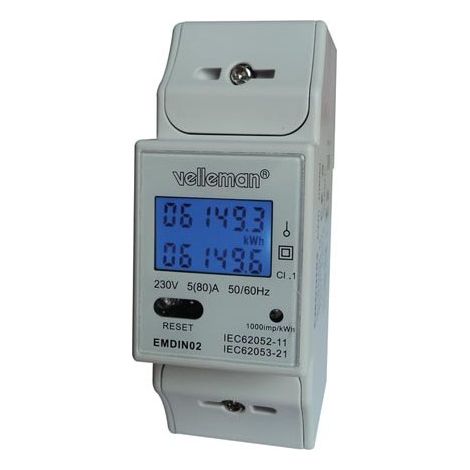

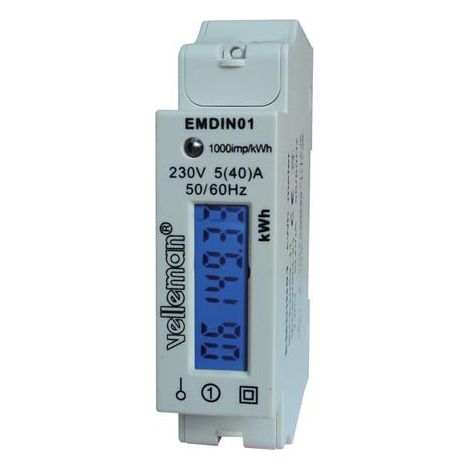
Compteur d'énergie monophasé sur rail DIN – Mesure précise jusqu'à 99999.9 kWh – Affichage LCD – Classe de précision 1.0 – Compatible systèmes monophasés – Velleman
167
Livraison gratuite

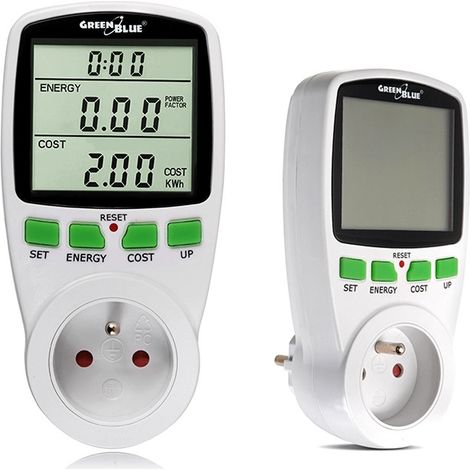
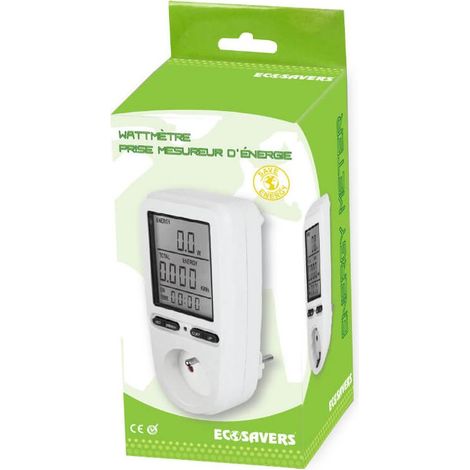
Wattmètre blanc avec écran LCD intégré 0 - 9999 W – Alimentation 220 - 240 V – Intensité max. 16 A – Précision 1% – Greenblue
66
Livraison gratuite



3 options
Black Friday
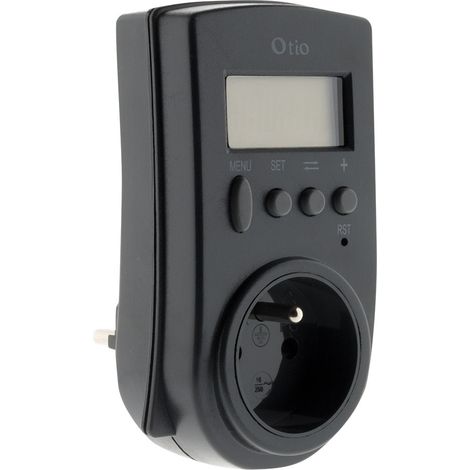
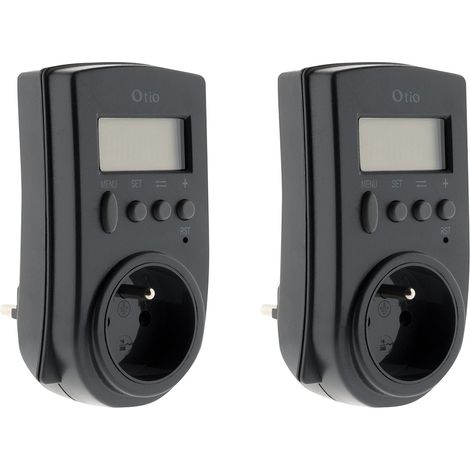
Otio – Contrôleur de consommation électrique 230V – Affichage LCD – Mesure puissance 3680W – Suivi consommation kWh et coût
119
-34%


N°1 des ventes
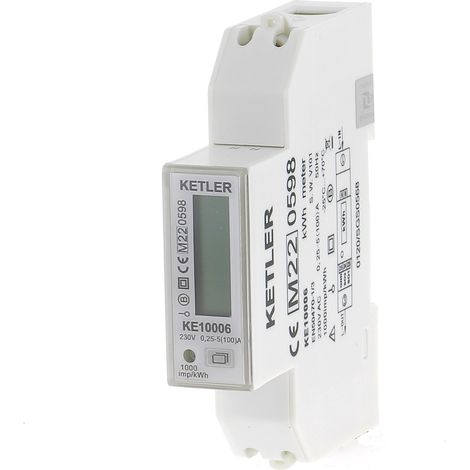
KETLER - KE3205 : Compteur électrique - Monophasé 45 A - Certifié MID - Sortie d'impulsion - Simple tarif
205




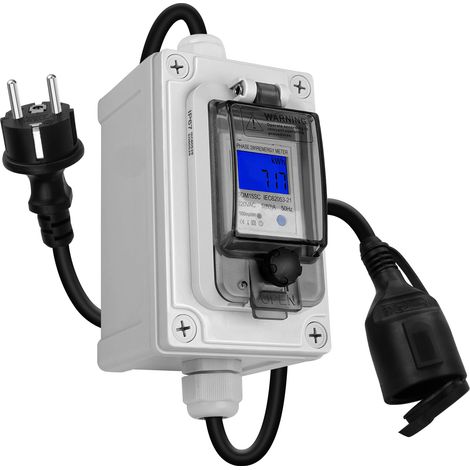

Beijiyi – Compteur de courant numérique mobile 60 A 230 V – Étanche IP67 – Mémoire coupure – Prise CEE Schuko – Suivi consommation énergétique
5
Livraison gratuite



Comparer à des articles similaires
Informations produit
Description
1. Energy Monitor: Able to better monitor the electricity usage on the socket, this home power meter will help you reduce energy consumption.
2. Overload Alarm: When the current exceeds 16A or the power exceeds 3680W, the overload alarm icon will flash for alarming, very reliable.
3. Better Display: Equipped with LCD display, the digital energy monitor enables clear viewing and easy reading for safe and simple operation.
4. Great Accuracy: When the detected power value is less than 1.0W, it is considered as local power consumption and does not accumulate time.
5. Easy to Install: Comes with a compact size and a light weight as well, the electricity monitor is very convenient to install in minutes.
Specification:
Item Type: Electricity Usage Monitor
Product Power Supply: 230V 50Hz
Product Plug: EU Plug
Product Socket: EU Socket
Maximum Load: 16A, 3680W
Minimum Power Display: 2w
Measurement Power Accuracy: +/- 2% or +/- 2W in 0-100W, +/- 2% in 100-3250W.
Power Accuracy :+/- 2%
Minimum Power Display: 0.01KWH
Accumulated Power Range: 0.00-9999.9KWH
Pricing Range: 0.00-9999
How to Use:
A. Keyboard Definition:
1. SET: Set the price through the up button.
2. MODE: Exchange display status.
3. UP: Set the price in combination with the SET button.
B. General Functions:
1. Display the line power supply.
2. Display and store accumulated electricity usage.
3. The total electricity price of the display and memory.
C. Data Display:
Press the MODE button and the data is displayed as follows: W to kWh to price to cost per kWh.
1. Plug in the socket and turn on the power, and the meter will display the actual power.
2. Press and release the MODE button again, and the meter will display cumulative KWh.
3. Press and release the MODE button again, and the meter will display the total power.
4. Press and release the MODE button again, and the meter will display COST per KWH.
D. Cost per kWh Set Price:
1. Press the setting button when the cost per kWh is displayed, the first digital cost per kWh flashes, and press the up button to set it.
2. Press and release the SET button again, the second digit COST per KWH flashes, and press the UP button to set it.
3. Press and release the SET button again, the third COST per KWH flashes, and press the UP button to set it.
4. Press and release the SET button again, the fourth COST per KWH flashes, and press the UP button to set it.
5. Press and release the SET button again, the base point COST per KWH flashes, and press the UP button to set.
E. Data Clearing: Pressing and holding the MODE button for 5 seconds will clear KWH, PRICE, and COST per KWH data. .
Package List:
1 x
Electricity Usage Monitor1 x English User Manual
Note:
Do not plug in electrical appliances where the load exceeds 16A. Always ensure that the plug of any electrical appliance is fully inserted into the instrument socket. If it is necessary to clean the meter, please disconnect the power supply and wipe the meter with a dry cloth.
Caractéristiques
- MarqueMIXHOME
- Fréquence50 Hz
- MatièresPlastique
- Type de compteurÉlectricité
- Réf. ManoManoME265623719
- MMID390335198942
- Réf. fabricantMI1009-GM15930
- EAN7794058108285
'/%3E%3C/svg%3E)
Comment choisir son indicateur de consommation d'énergie
Les conseils de nos experts
Vous êtes ici :
'/%3E%3C/svg%3E)